Monitor Height and Distance: How to Position Your Screen (OSHA)
OSHA's guidance on viewing distance, height, angle and glare, turned into a setup checklist.
We may earn a commission when you buy through links on this page, at no extra cost to you. This does not change which products we cover. How we make money.
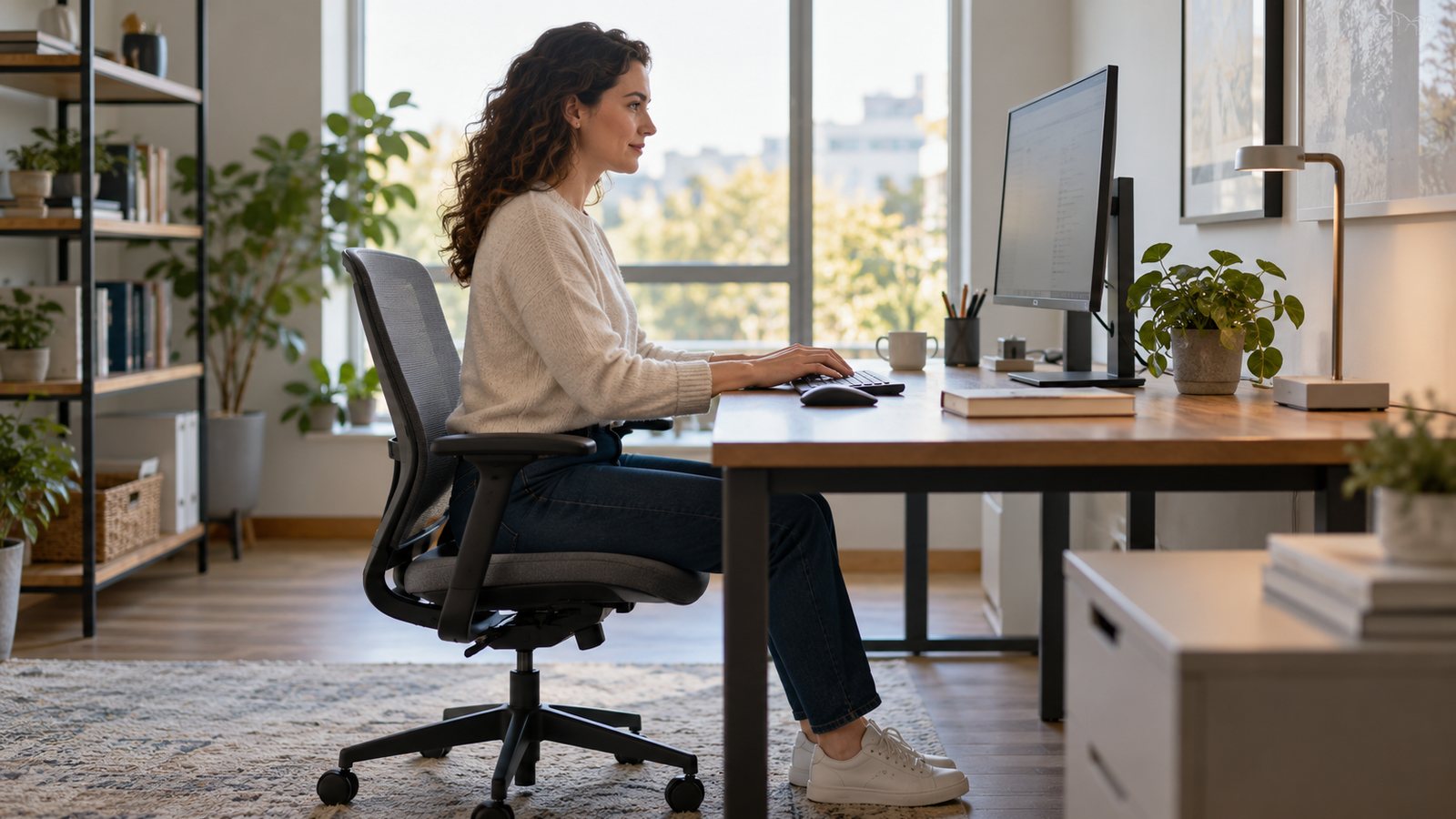
A badly placed screen pulls your head forward, back or sideways for hours. OSHA’s monitor guidance comes down to three checks: distance, height and angle.
Distance
- Sit so you can read all text with your head upright and your back on the chair.
- OSHA says the preferred distance is generally 20 to 40 in (50 to 100 cm) from eye to screen.
- On a small monitor, make the text bigger rather than leaning in.
- Short on desk depth? Pull the desk off the wall, use a corner, or use a monitor arm to free space.
Height
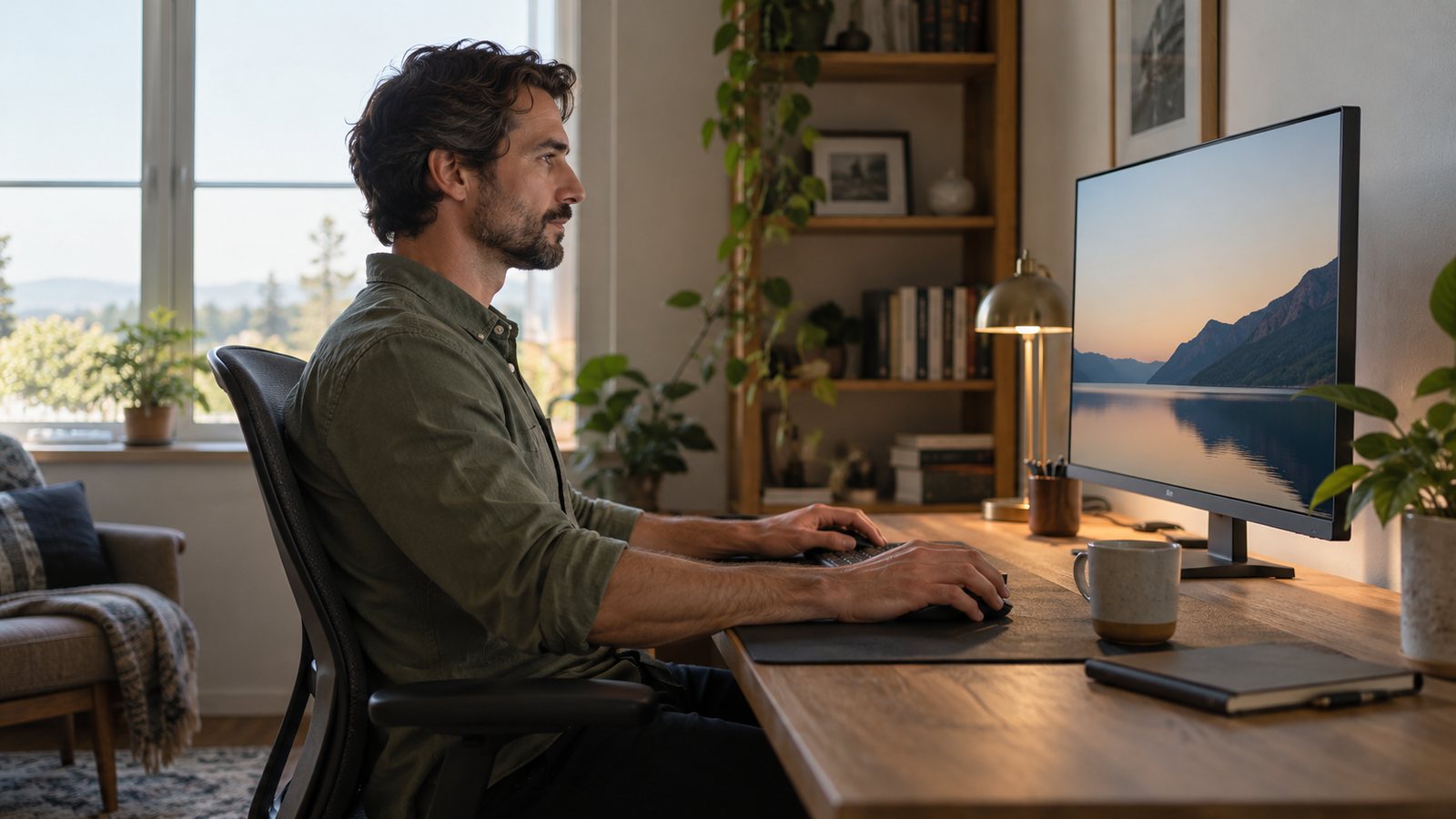
- The top of the screen should be at or slightly below eye level.
- The center should sit about 15 to 20 degrees below horizontal eye level.
- OSHA notes that putting a monitor on a computer case usually puts it too high for all but the tallest users.
Angle and glare
- Put the monitor directly in front of you, no more than 35 degrees to either side.
- If you work mainly from paper, put the paper in front and the monitor slightly to the side.
- Tilt the screen back about 10 to 20 degrees so it faces your line of sight.
- Place the monitor perpendicular to windows to cut glare.
Bifocal users
Bifocal lenses make you tilt your head back. OSHA suggests lowering the monitor and tilting it up, raising your chair, or using single-vision computer glasses.
When you stand
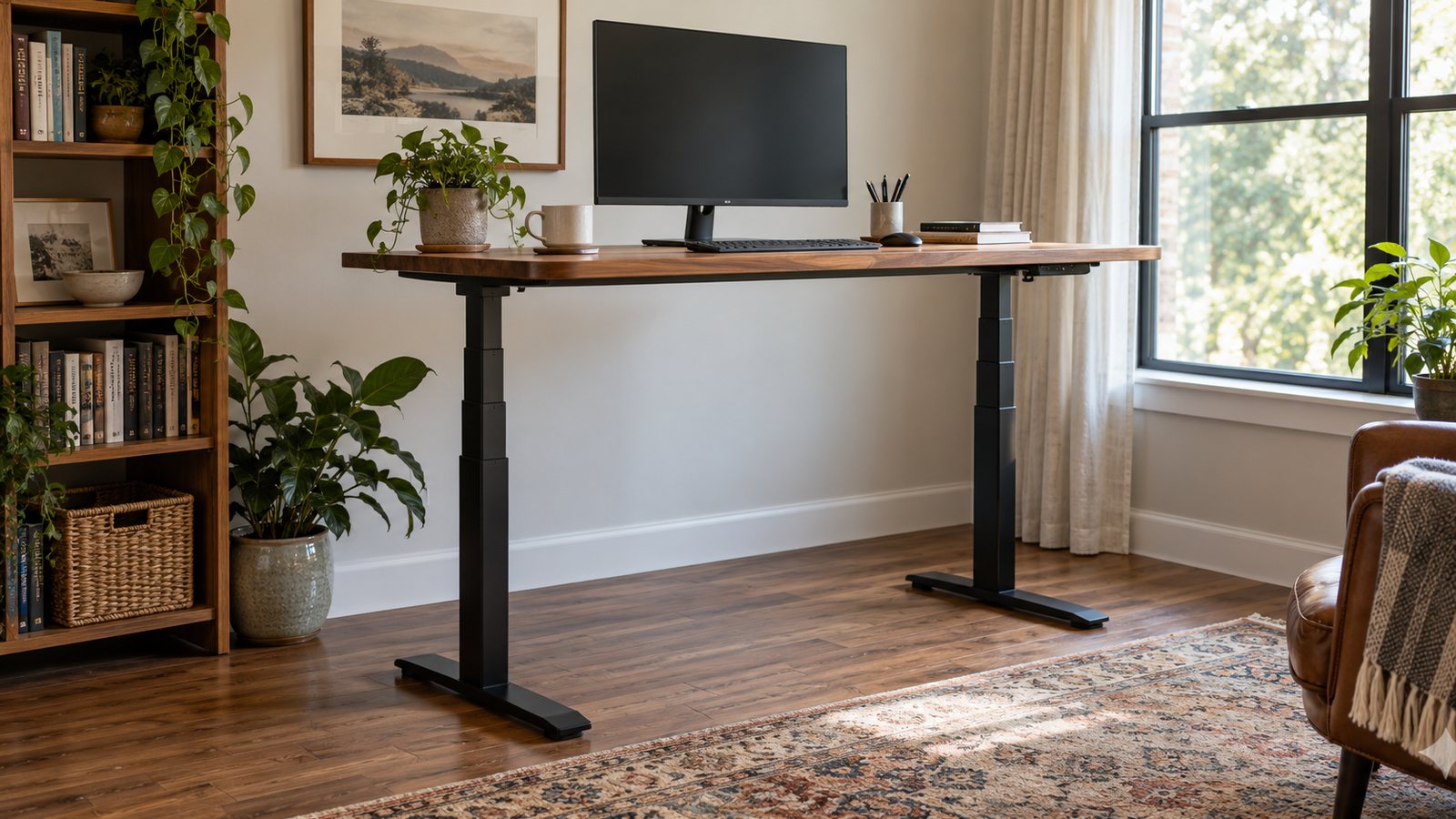
A sit-stand desk changes your eye height. An arm, or a desk preset saved for each posture, keeps the screen in the same spot relative to your eyes. Compare desks in our standing desk roundup, and give your eyes breaks with our eye strain guide.
Frequently asked questions
How far away should my monitor be?
OSHA says the preferred viewing distance is generally 20 to 40 in from your eyes to the screen.
How high should my monitor be?
OSHA says the top of the screen should be at or slightly below eye level, with the center about 15 to 20 degrees below horizontal eye level.
I wear bifocals. What changes?
OSHA suggests lowering the monitor below the usual height and tilting it up, raising your chair, or using single-vision computer glasses.