Best Monitor Arms Compared on Maker Specs (2026)
Three single monitor arms, compared on published weight limits and adjustment ranges. We have not tested these arms.
We may earn a commission when you buy through links on this page, at no extra cost to you. This does not change which products we cover. How we make money.
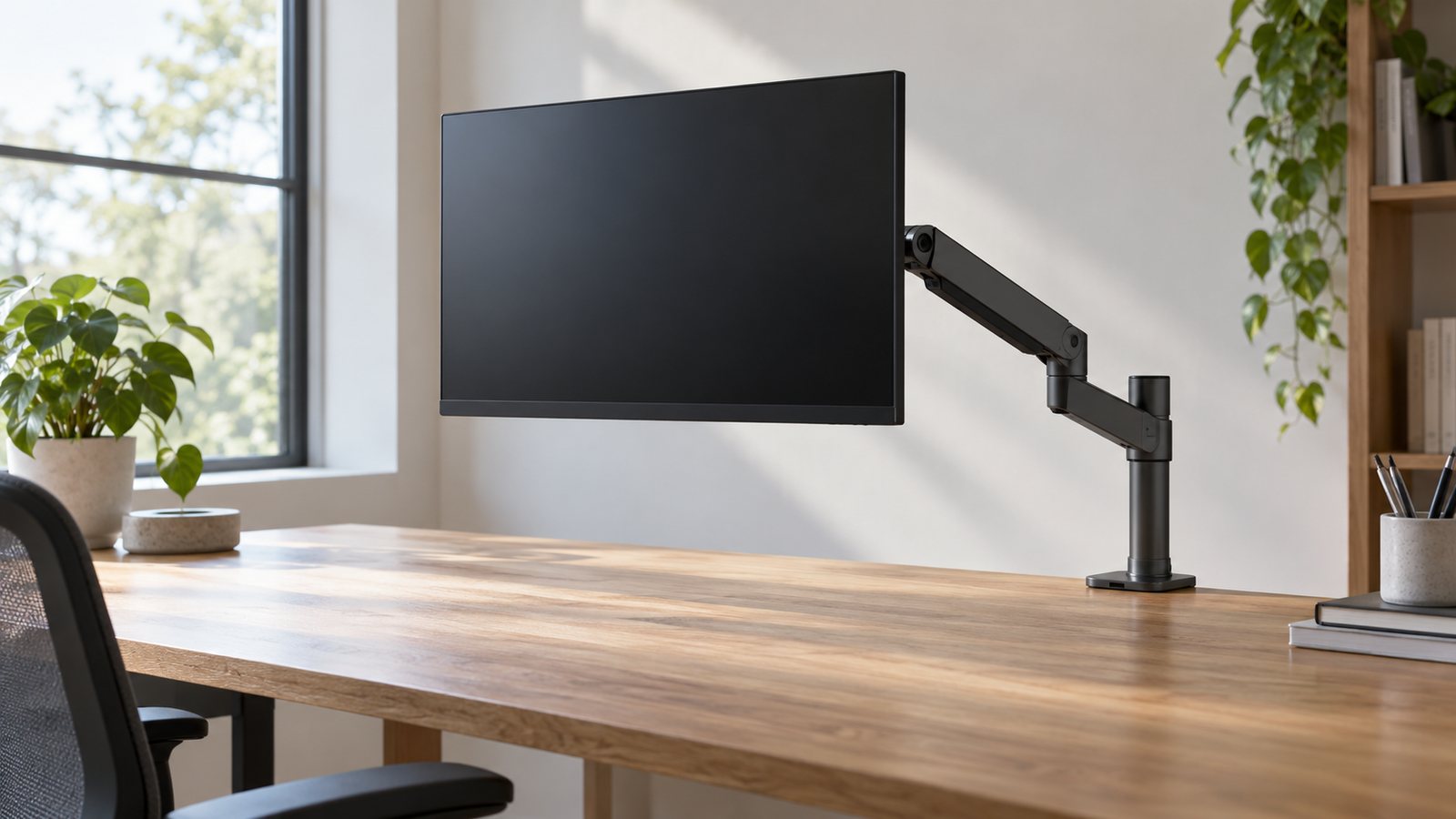
A monitor arm lets you set the screen at the height and distance OSHA recommends, then move it when you stand. The Ergotron LX is the pick for most people because it carries the widest weight range. The Humanscale M2.1 suits light screens and has the longest warranty. The Fully Jarvis arm covers the common 13 to 32 in monitor.
Quick picks
- Best for most peopleLX Desk Monitor ArmCheck price
- Best for light screensM2.1 Monitor ArmCheck price
- Best for 13–32 in screensJarvis Single Monitor ArmCheck price
Side-by-side specs
| Spec | Top pickErgotronLX Desk Monitor Arm | Light screensHumanscaleM2.1 Monitor Arm | Standard screensFullyJarvis Single Monitor Arm |
|---|---|---|---|
| Best for | Heavier monitors up to 25 lb | Light flat screens and the longest warranty | Standard 13–32 in monitors |
| Monitor weight | 7–25 lb (lift drops up to 4.5 in above 20 lb) | 5–15.5 lb flat, 5–12.5 lb curved | Up to 19 lb (product copy) or 20 lb (spec table) |
| Screen size | Up to 34 in typical | Not listed; set by weight | 13–32 in |
| Lift | 13 in | 6.7–17.1 in height adjustment (brochure) | 13.2 in range, 19.8 in max above desk |
| Reach | Up to 25 in | 568 mm (about 22.4 in, dealer listing) | Not listed |
| VESA | 75 x 75 and 100 x 100 | 100 x 100 | 75 x 75 and 100 x 100 |
| Warranty | 10 years | 15 years | See Herman Miller store |
| Price | Check price | Check price | Check price |
Specs from each manufacturer's US product page. Bars compare each spec against the best value in this table; they are not test scores. Prices change often, so we link out instead of quoting them.
The picks
★Best for most people
ErgotronLX Desk Monitor Arm
Best for: Heavier monitors up to 25 lb
A single aluminum arm for 7–25 lb screens, typically up to 34 in, with 13 in of lift and 25 in of reach.
What we like
- Highest weight range here
- Clamp and grommet mounts included
- Long reach
Watch out for
- Less lift with screens over 20 lb
- Not for screens under 7 lb
Ergotron lists 7 to 25 lb, a typical screen up to 34 in, 13 in of lift, 25 in of reach and tilt of 70 degrees back and 5 forward. It includes a desk clamp and grommet mount. The catch is weight: above 20 lb, Ergotron says vertical travel can drop by up to 4.5 in. It carries a 10-year warranty.
★Best for light screens
HumanscaleM2.1 Monitor Arm
Best for: Light flat screens and the longest warranty
A spring-balanced arm for 5–15.5 lb flat screens (5–12.5 lb curved), with a built-in counterbalance indicator.
What we like
- Longest warranty here
- Counterbalance indicator helps setup
- Smart Stop limits swing
Watch out for
- Lowest weight limit here
- Reach figure comes from a dealer page
Humanscale’s capacity chart lists 5 to 15.5 lb for flat screens and 5 to 12.5 lb for curved ones. Its brochure lists 6.7 to 17.1 in of height adjustment. A built-in counterbalance indicator lets you set tension before mounting the screen. The warranty is 15 years. A dealer page lists 568 mm of forward reach; we have not found that on a Humanscale page.
★Best for 13–32 in screens
FullyJarvis Single Monitor Arm
Best for: Standard 13–32 in monitors
A single arm for 13–32 in monitors with 13.2 in of height adjustment and a max height of 19.8 in above the desk.
What we like
- Covers most common monitor sizes
- Clamp or grommet mount
- Removable VESA plate
Watch out for
- Page lists both 19 and 20 lb
- No reach figure listed
The Herman Miller store lists the Jarvis arm for 13 to 32 in monitors, with 13.2 in of height range and a top of 19.8 in above the desk at the monitor center. The product copy says up to 19 lb, while the spec table says 20 lb, so plan on 19. It clamps or uses a grommet and has a removable VESA plate.
How to choose
- Weigh the screen without its stand.
- Check the low end. An arm that needs at least 7 lb will not hold a light portable screen.
- Check the clamp against your desk thickness.
- Set the height. Our monitor height and distance guide walks through it.
Frequently asked questions
How do I know if an arm will hold my monitor?
Weigh the screen without its stand and compare it with the arm's range. Ergotron says screen size may be exceeded as long as weight stays within the limit.
Does my monitor need VESA holes?
Yes. All three arms use VESA 100 x 100 mounting, and the Ergotron and Jarvis also take 75 x 75.
Which arm is best for a heavy ultrawide?
Of these three, the Ergotron LX lists the highest limit at 25 lb. Lift drops by up to 4.5 in over 20 lb.